Keep useful grinder notes without confusing time and dose
A simple comparison record that separates grind setting, grinding time and the mass actually delivered.
Updated:
Give each number a job
A grinder can display several numbers that describe different things. The grind setting describes an adjustment position, grinding time describes a duration, and a measured dose describes the amount delivered. Copy each into its own column. A setting that works on one model is not a transferable unit of particle size, and a time setting does not by itself establish a fixed weight of coffee.
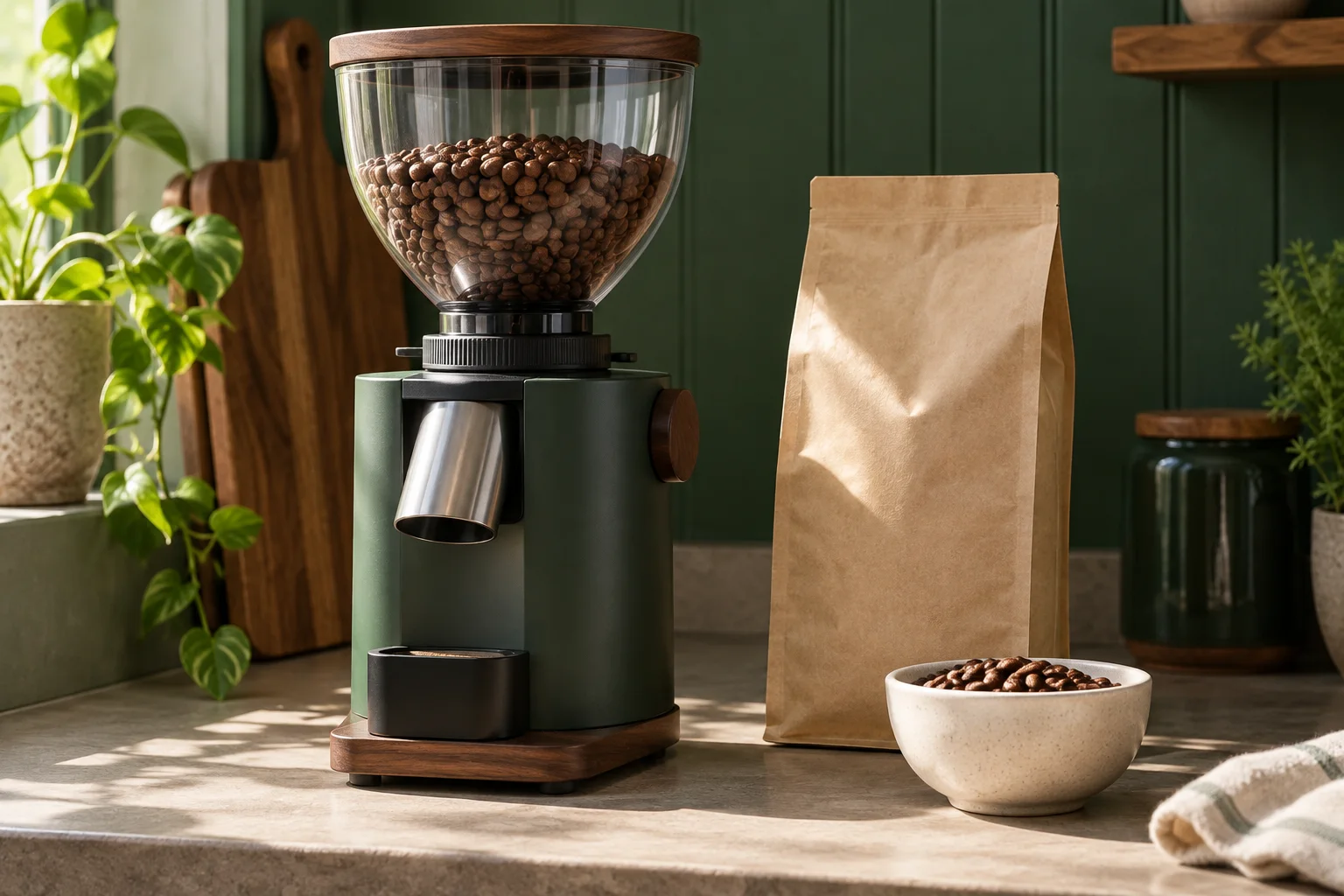
The Sage Smart Grinder Pro product page describes time adjustment in 0.2-second increments. That is a control increment, not a claim that each step changes the delivered coffee by a known number of grams. Use the exact manual for your own grinder when identifying what a control changes and how it should be operated.
Sage UK Smart Grinder Pro specifications ?
Record a baseline before changing anything
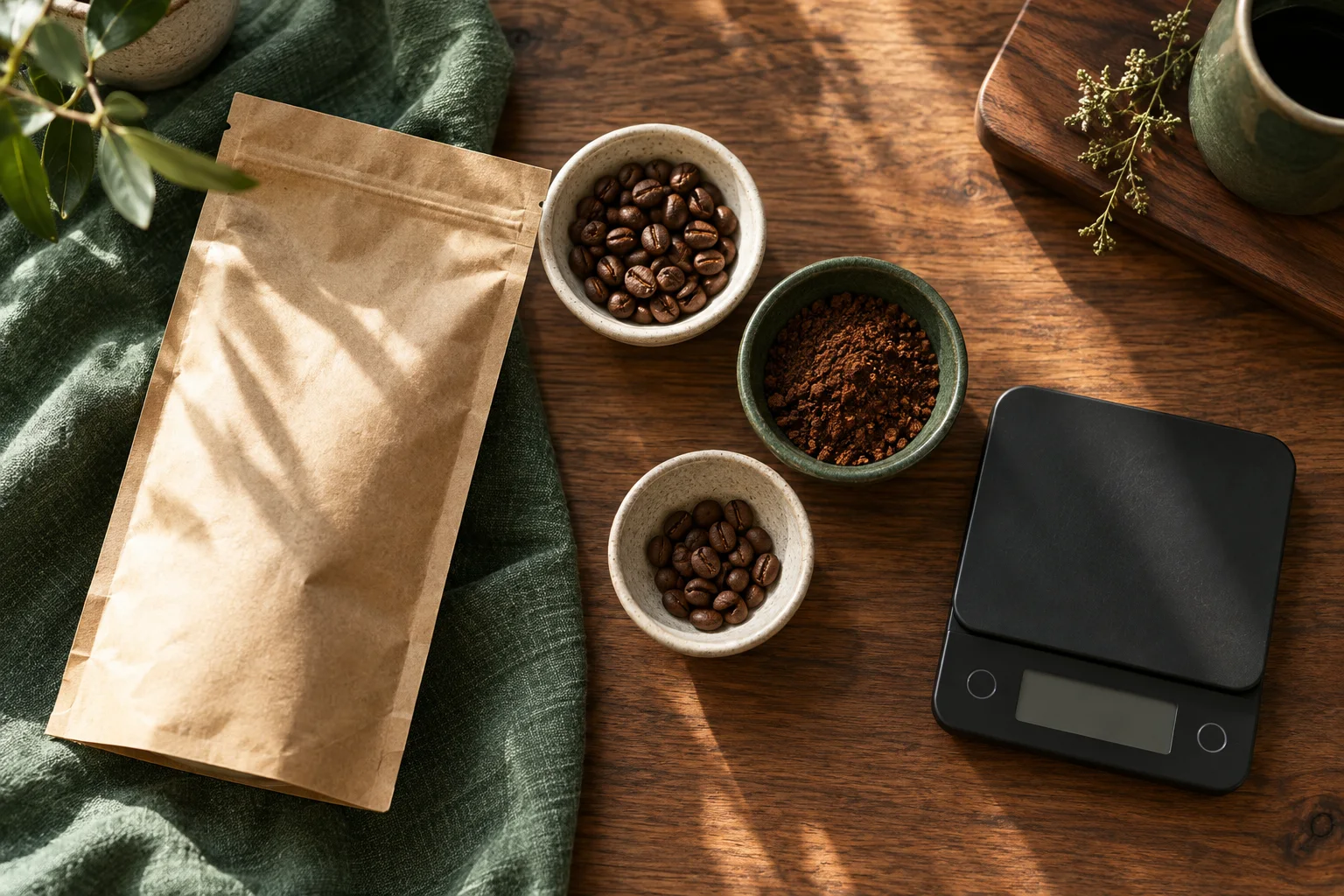
Write down the beans, the basket or receiving container, the grind position and the time setting you are already using. If you weigh the output, record the measured mass separately. Include the date so that a later comparison does not silently combine different bags or routines. You do not need an elaborate tasting score to make this first record useful.
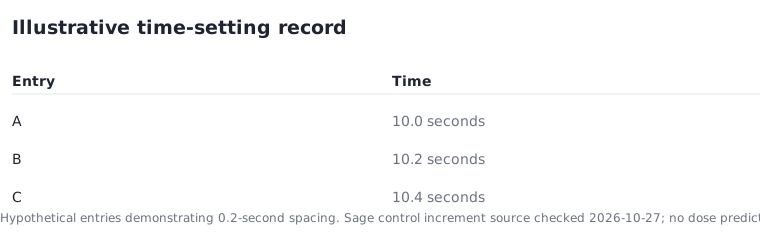
For a fictional example, label three time settings as 10.0 seconds, 10.2 seconds and 10.4 seconds. The intervals are 0.2 seconds and the full span is 0.4 seconds. Those numbers show the structure of a record; they are not a recommendation for a particular coffee, basket or grinder.
Change one documented input at a time
If several inputs change together, it becomes difficult to explain the result. Decide which question you want to answer before making an adjustment: are you comparing the amount delivered, the control position or a different bag of beans? Follow the grinder's operating instructions for adjustments. Do not reach into the hopper or treat an online experiment as permission to bypass the equipment's safety instructions.
The Sage BCG820/SCG820 manual notes that programming a custom amount or time applies to the selected brew method rather than all methods. That detail is a reason to record the displayed mode as well as the number. A note that says only my usual setting may be incomplete when another household member changes the mode.
Sage UK BCG820 / SCG820 user guide ?
Keep observed values separate from your target
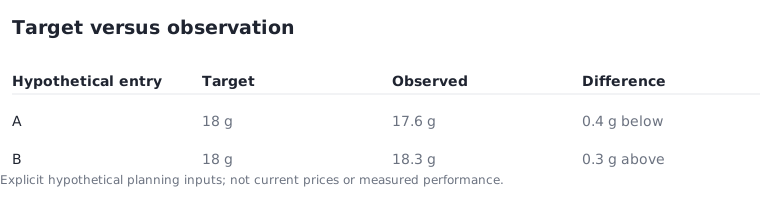
A target is what you intended to obtain; an observation is what you actually measured. Put them in separate columns. If an illustrative target is 18 g and a fictional observation is 17.6 g, the difference is 0.4 g below target. A second fictional observation of 18.3 g is 0.3 g above target. These examples do not describe any tested product's performance.
Avoid turning a small set of observations into a reliability claim. The record is a practical aid for your own routine. If the equipment behaves unexpectedly, consult the troubleshooting information for that exact model rather than repeatedly changing unrelated controls in an attempt to force a result.
Save a short, readable version
A useful entry can fit on one line: date, beans, mode, grind setting, time, target dose, observed dose and a brief note. Keep the units in the headings so that future entries remain comparable. If you return to an older setup, confirm that the equipment and ingredients still match before relying on it. A photograph of the controls can supplement the written record, but should not replace the model information.
The aim is to make the next decision easier. You should be able to see what changed, what stayed the same and which values were measured. That is more useful than collecting unexplained settings from different machines or treating a precise-looking number as evidence of a precise dose.